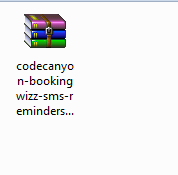
First, download the BookingWizz SMS Reminders addon from you CodeCanyon account download page:
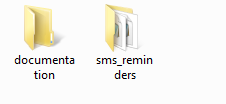
Next, double-click the folder to unzip the downloaded addon:
Now drag the “sms_reminders” folder to your desktop:
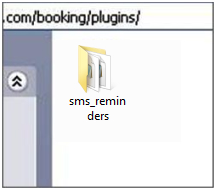
Now upload “sms_reminders” to your bookingwizz plugin folder in your FTP
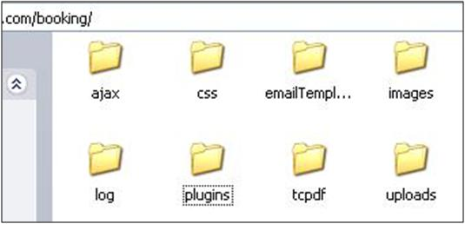
files. As a reminder, the path is: www.yourdomain.com/booking/plugins:
First go to your FTP root folder and locate your “booking” folder:
Next, double-click on “Booking” to open it and find the “plugins” folder:
Last, double-click on the “plugins” folder, and then drag your “sms_reminders” folder from your desktop to your plugins folder:
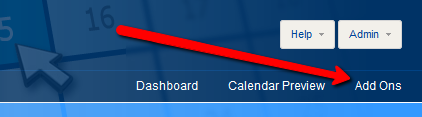
Now open your website’s BookingWizz admin panel, and click on "Add Ons"
and turn "on" the required addon:
IMPORTANT NOTE: You have to setup CRON as outlined in reminders section (Part One). Without setting up the cron - no SMS messages will be sent!