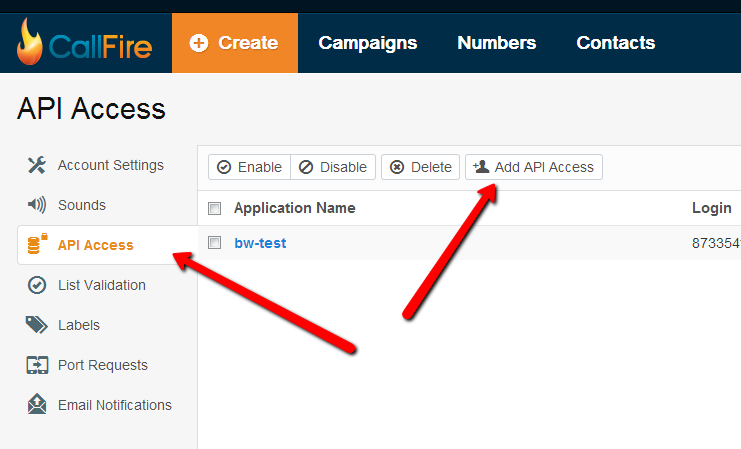
After signing up with CallFire SMS Service, navigate to your account settings, by clicking your name in top right corner.
Then click on API Access on the left and find button "ADD API ACCESS":
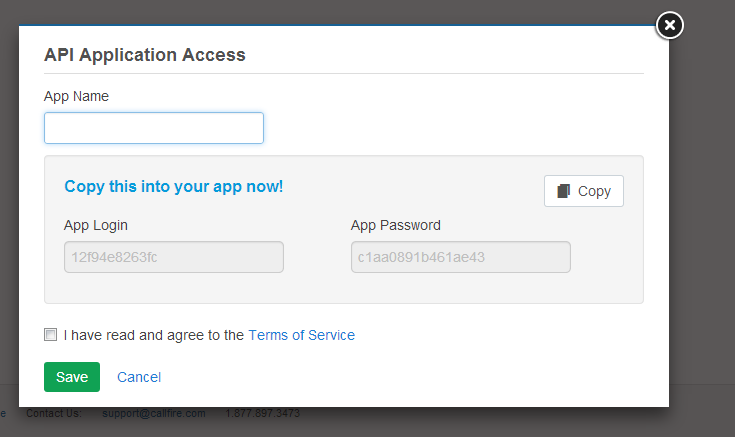
API Application Access popup will appear, all you need to do is enter any name into the App Name and then copy app login and app password from this screen to the BookingWizz SMS reminders CallFire config settings screen.